Q5. Can I change my email address or phone number? +
Yes, where supported. You may need to verify your new email address or phone number before the change is completed.
Q6. How do I delete my Shopora account? +
Go to your account settings and follow the account deletion process. Some account information may need to be retained where required by applicable policies or regulations.
2. Shopping on Shopora
Q7. How do I find a product on Shopora? +
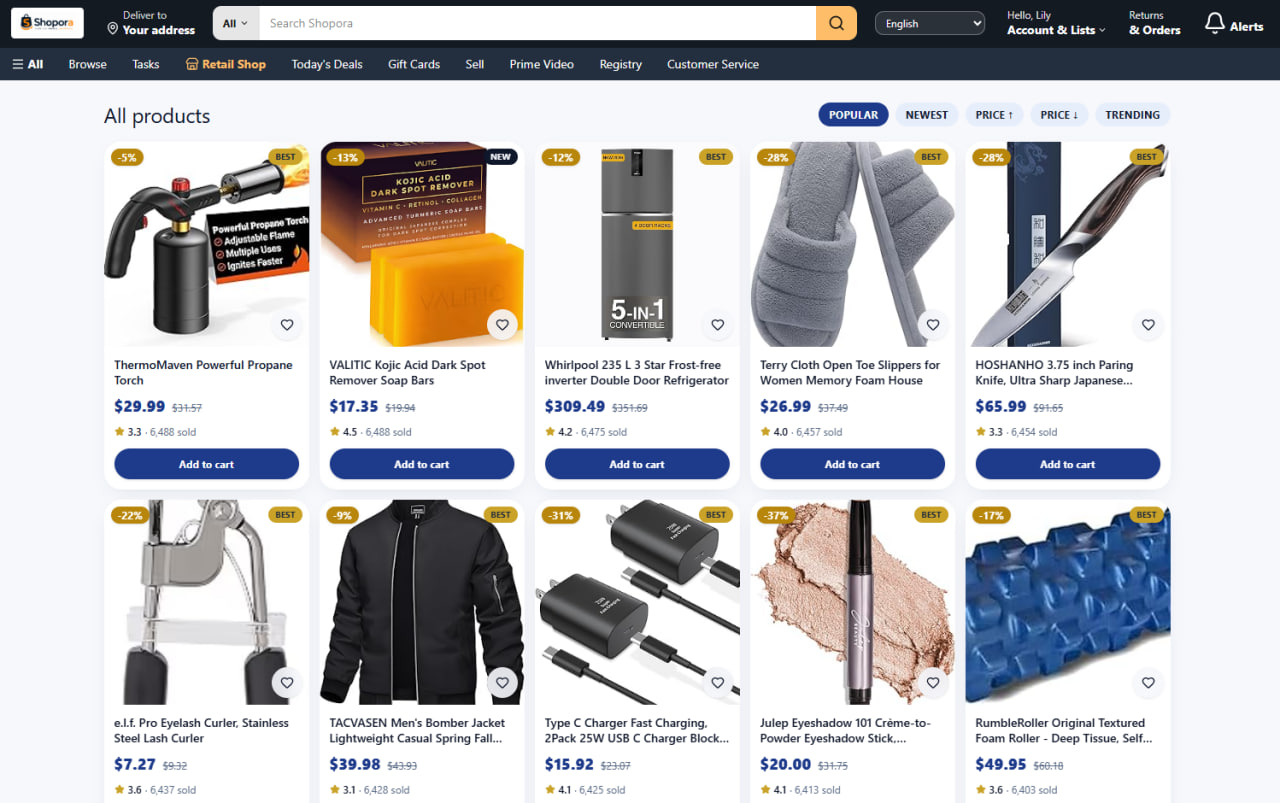
Use the search bar, browse product categories, or explore featured products, deals, and recommendations.
Q8. How do I purchase a product? +
Select the product you want, choose the available options and quantity, add it to your cart, and proceed to checkout.
Q9. Can I buy multiple products in one order? +
Yes. Add the products you want to your shopping cart and complete the checkout process.
Q10. How do I know whether a product is available? +
Product availability is displayed on the product page. Products that cannot currently be purchased may be marked as unavailable or out of stock.
Q11. Can I save products for later? +
If the Wishlist feature is available, you can add products to your Wishlist and return to them later.
Q12. How can I search for a specific product? +
Enter the product name, brand, model, or relevant keywords in the Shopora search bar. You can also use available filters to narrow your results.
Q13. How can I compare products? +
Where comparison features are available, you can compare products based on price, specifications, ratings, availability, and other product information.
3. Orders
Q14. How can I check my order status? +
Go to My Orders in your Shopora account and select the order you want to check.
Q15. What do the different order statuses mean? +
Order statuses indicate the current stage of your order, such as Pending, Confirmed, Processing, Shipped, Delivered, Cancelled, or Completed.
Q16. Can I change my order after placing it? +
This depends on the current order status. Some changes may be possible before the order enters processing or shipping.
Q17. Can I cancel my order? +
You may request cancellation while the order remains eligible for cancellation. Once processing or shipping has started, cancellation may no longer be available.
Q18. Why was my order cancelled? +
An order may be cancelled because of product availability, payment issues, verification requirements, seller circumstances, or other operational reasons.
Q19. I placed an order but cannot find it in my account. What should I do? +
Make sure you are signed in to the correct Shopora account. If the order is still missing, contact Shopora Customer Support with your order information.
Q20. Can I reorder a product I purchased previously? +
If the product is still available, you may be able to purchase it again from your order history or the product page.
4. Payment
Q21. What payment methods does Shopora accept? +
Shopora accepts the payment methods displayed during checkout. Available payment methods may vary depending on your location, currency, and order.
Q22. Why was my payment declined? +
A payment may be declined because of insufficient funds, incorrect payment information, bank restrictions, security verification, or payment-provider issues.
Q23. Was I charged if my order failed? +
If a payment was authorized but the order was not successfully completed, the amount may temporarily appear as a pending authorization. The release time depends on your payment provider.
Q24. Can I change my payment method after placing an order? +
In most cases, payment information cannot be changed after an order has been successfully placed. If available, you may need to cancel the order and place a new one.
Q25. Is my payment information secure? +
Shopora uses appropriate security measures to help protect account and payment information. Never share your password, PIN, or verification codes with anyone.
Q26. Why do I see a pending payment or temporary charge? +
Some payment providers temporarily authorize an amount to verify the payment method. The authorization may be released automatically if the transaction is not completed.
5. Shipping & Delivery
Q27. How long does delivery take? +
Delivery time depends on the product, seller, destination, shipping method, and other factors. The estimated delivery date will be displayed when available.
Q28. How can I track my order? +
Go to My Orders, select the relevant order, and view the available tracking information.
Q29. Why is my order delayed? +
Delivery may be delayed because of transportation problems, weather, customs, carrier issues, high order volumes, or other unexpected circumstances.
Q30. What should I do if my order has not arrived? +
Check your order status and tracking information first. If the estimated delivery period has passed, contact Shopora Customer Support.
Q31. Can I change my shipping address? +
Address changes may be possible before an order enters processing or shipping. Once an order has been shipped, the address generally cannot be changed.
Q32. How are shipping fees calculated? +
Shipping fees may depend on the product, seller, destination, package size or weight, and selected shipping method. The applicable cost will be displayed before you complete checkout.
Q33. What happens if my package cannot be delivered? +
The carrier may attempt another delivery or return the package depending on the circumstances. Contact Shopora Support if you need assistance.
6. Returns & Refunds
Q34. Can I return an item? +
Return eligibility depends on the product, seller policy, reason for return, and applicable Shopora return policy.
Q35. How do I request a return? +
Go to My Orders, select the relevant order, and choose the available return or support option. Follow the instructions provided.
Q36. How long do I have to return an item? +
The applicable return period depends on the product and Shopora's return policy. Check your order or product information for the specific return deadline.
Q37. When will I receive my refund? +
Once your refund has been approved and processed, the time required for the funds to appear depends on the original payment method and payment provider.
Q38. Can I receive a refund without returning the item? +
In certain circumstances, Shopora may provide a refund without requiring a return. Eligibility depends on the specific order and applicable policy.
Q39. What if I received a damaged product? +
Contact Shopora Customer Support as soon as possible and provide your order details and any requested photos or other evidence.
Q40. What if I received the wrong product? +
Contact Shopora Support and provide your order information. Shopora will review the issue and provide the appropriate resolution according to the applicable policy.
Q41. Who pays for return shipping? +
Return shipping responsibility depends on the reason for the return, the product, seller policy, and Shopora's applicable return rules.
7. Product & Seller Questions
Q42. Are all products sold directly by Shopora? +
Shopora may offer products from different sellers or suppliers depending on the marketplace structure. Seller information is displayed where applicable.
Q43. How can I contact a seller? +
If seller communication is available, you can contact the seller through the communication option provided on the product or order page.
Q44. How can I become a Shopora seller? +
If the Shopora seller program is available, visit Sell on Shopora and complete the required registration and verification process.
Q45. How can I check a seller's reputation? +
Review the seller's ratings, reviews, feedback, product information, and other available seller information before making a purchase.
Q46. What should I do if a seller does not respond? +
If you cannot resolve an order issue directly with the seller, contact Shopora Customer Support and provide your order details.
Q47. How do I report a product or seller? +
Use the available Report option on the relevant product, seller, or order page, or contact Shopora Support.
8. Discounts & Promotions
Q48. How do I use a Shopora promo code? +
Enter the valid promotional code in the designated field during checkout and apply it before completing your purchase.
Q49. Why isn't my promo code working? +
The promotion may have expired, reached its usage limit, have minimum purchase requirements, apply only to selected products, or have other eligibility restrictions.
Q50. Can I use multiple promo codes on one order? +
This depends on the terms of the promotion. Some promotional offers cannot be combined.
Q51. Where can I find Shopora deals? +
Check Today's Deals, promotional banners, product pages, featured offers, and other promotional sections on Shopora.
Q52. Do Shopora promotions have expiration dates? +
Yes. Promotional offers may have specific validity periods, usage limits, product restrictions, or other conditions. Check the promotion details before using an offer.
9. Account Security
Q53. How do I keep my Shopora account secure? +
Use a strong and unique password, keep your verification information private, and avoid signing in through suspicious links or websites.
Q54. What should I do if I think someone accessed my account? +
Change your password immediately and contact Shopora Customer Support if you notice unauthorized activity, orders, payments, or account changes.
Q55. What should I do if I see an order I did not place? +
Secure your account immediately by changing your password and contact Shopora Support. You should also review the payment method associated with your account.
Q56. Should I share my password or verification code with Shopora Support? +
No. Never share your password, PIN, one-time verification code, or other sensitive security credentials with anyone.
Q57. How can I recognize a suspicious Shopora message? +
Be cautious of unexpected messages requesting passwords, verification codes, payment information, or urgent transfers. Do not click suspicious links. Contact Shopora through official support channels if you are unsure.
10. Customer Support
Q58. How can I contact Shopora Customer Support? +
Use the Help Center, Contact Us, Live Chat, or other support options available on Shopora.
Q59. What information should I provide when contacting support? +
Provide your order number, a description of the issue, relevant screenshots or evidence when requested, and any other information needed to investigate your case.
Q60. How long does Customer Support take to respond? +
Response times may vary depending on the type and complexity of your request and the current support volume.
Q61. Where can I find answers to common questions? +
Visit the Shopora Help Center / FAQ section for information about accounts, shopping, orders, payments, shipping, returns, refunds, sellers, and other Shopora services.
Q62. What should I do if my problem is not covered in the FAQ? +
Contact Shopora Customer Support and provide as much relevant information as possible. Our support team can review your situation and provide further assistance.


.jpg)
.jpg)